Furniture and Phones
Furniture and Phones Included in Manhattan Office Space
Office furniture and office phones may reduce the work involved in opening a new Manhattan location, but the presence of these words in an advertisement does not establish what is included in the lease. A furnished office may provide desks, seating, and meeting-room furniture while leaving the incoming tenant to arrange internet access and its own telephone account. Another suite may be pre-wired for voice and data but contain no movable furniture at all. The right comparison begins with an inventory of what stays, the condition of each item, and the services needed to make the office operational.
New York Offices helps businesses compare these details alongside floor plans, headcount, move-in dates, and lease economics. A suite that meets the company’s working needs can save time and capital, but only when the furniture package and technology arrangements are confirmed in writing.
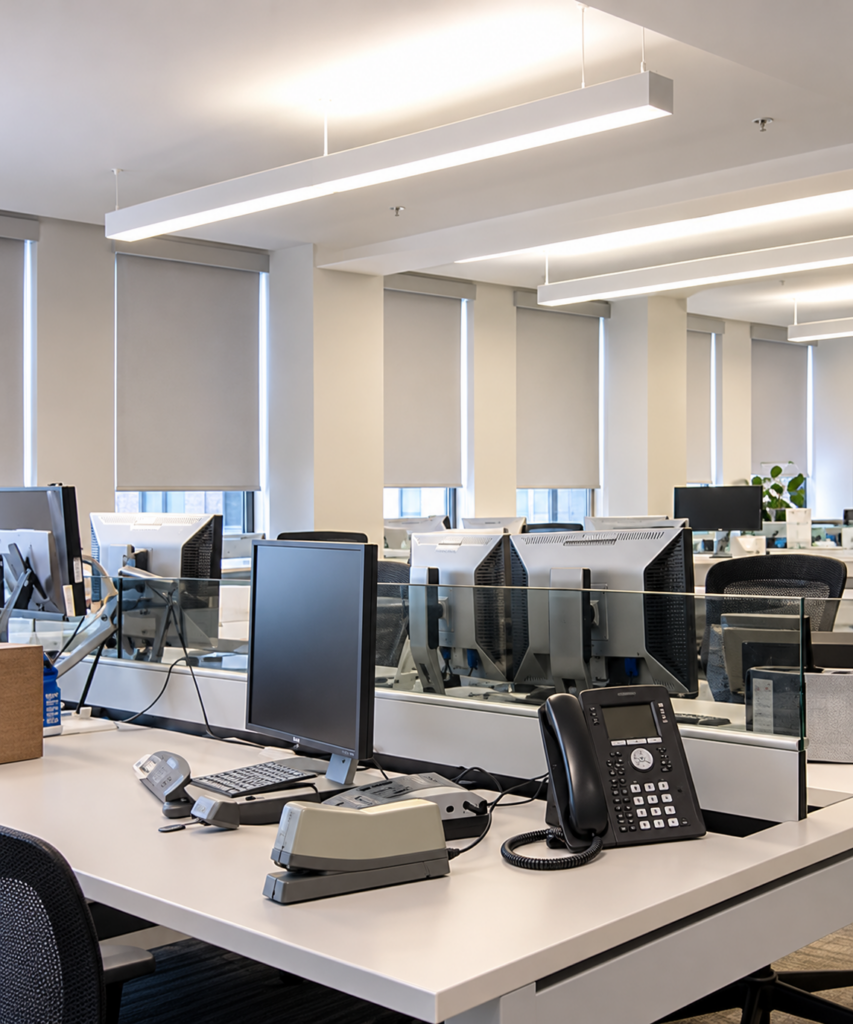
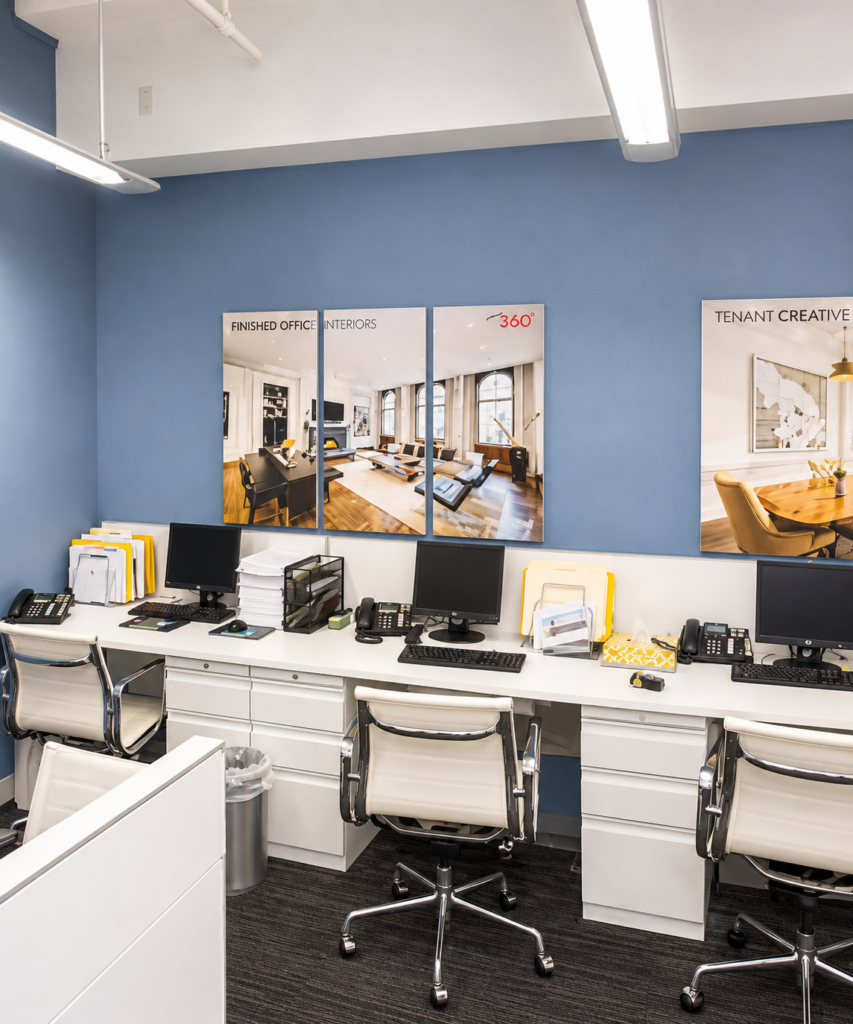
Are Furniture and Phones Included in an Office Lease?
The answer depends on the delivery condition and agreement. An unfurnished office under a traditional office lease commonly provides the agreed interior improvements and building services while the tenant supplies movable furnishings and communications equipment. However, an owner may offer existing furniture as an inducement or negotiate a furnished delivery; there is no universal rule that direct leases exclude it.
| Office arrangement | Furniture position | Phones and connectivity |
|---|---|---|
| Unfurnished direct lease | Tenant usually sources movable furniture | Tenant typically arranges service, hardware, and any needed cabling |
| Furnished direct lease | Landlord may provide a specified existing or new package | Network ports or phone hardware may be offered; active service needs confirmation |
| Furnished sublease | Prior tenant’s items may remain under an inventory agreement | Existing handsets, cabling, and accounts require separate review |
| Managed or serviced office | Basic furnishings may form part of the service package | Wi-Fi and calls may be subject to the operator’s services and extra charges |
The most useful question is not “Does the office come furnished?” but “Which items will be delivered, who owns them, who repairs them, and what remains usable on the first day?” Our furnished and turnkey office guide distinguishes these delivery conditions in more detail.
What Furniture Should Be Included in a Ready-to-Use Office?
A useful furniture schedule identifies the number and condition of desks, task chairs, conference tables, visitor seating, and storage units. It should also separate movable items from built-in office fixtures, such as fixed cabinetry, shelving, or electrical fittings. Describing all items loosely as office equipment can create uncertainty about what the tenant will actually receive.
A practical installation may include a reception desk, grouped workstations, adjustable height desks where available, ergonomic chairs, executive furnishings, lounge seating, and office storage systems for paper records or personal items. Those details should match the floor plan: a listing that advertises 30 employees should distinguish 30 usable workstations from 30 seats spread across reception, conference rooms, and a pantry.
Ask whether existing office furniture sets can be rearranged, whether their sizes fit the proposed workflow, and whether anything shown in marketing photographs is staging or the departing tenant’s property. Our Efficient Layout guide explains why workstation dimensions, circulation, and room counts matter more than an advertised capacity alone.
Phones, VoIP and the Difference Between Wiring and Service
The presence of handsets does not mean a functioning business telephone network. Existing phone systems can involve hardware, software, calling numbers, carrier accounts, and administrative rights. The telephone service may have been contracted by the previous occupant and may not transfer when the suite is delivered. Even when the phone lines are visibly connected, a new tenant must confirm whether the service is live and can be assigned or replaced.
Many contemporary business telephone systems use VoIP (Voice over Internet Protocol), carrying calls over a configured data connection rather than a conventional analog service. A tenant may use desk handsets, computer applications, or a combination. Check which model suits your employees, call routing, shared lines, reception procedures, and remote workers before assigning value to the devices already on the desks.
Inspect the Cabling Rather Than Assuming It Works
Existing internet cabling and low-voltage wiring can represent useful improvements, but pre-wired offices are not necessarily connected to an active internet provider. A network port at the workstation may lead to an unused patch panel or an installation that needs testing and reconfiguration. Have your IT provider identify the cable types, number of working ports, patch panels, switches, wireless access points, and available carrier connections.
Also determine whether existing office technology, including camera systems or door-entry equipment, is part of the proposed transfer. Security devices, user accounts, recordings, and administrator credentials require a distinct handover plan; they should not be assumed included with a furnished office. Our IT Closet guide covers the power, cooling, cabling, and security needs of the communications infrastructure.
The key distinction is between an office that is physically wired and one where the new tenant can actually place calls and use the network on move-in day. For a company that handles frequent client calls, test both the voice configuration and internet capacity before occupying the space.
Furnished Offices, Subleases and Managed Workspace
Furniture is common in certain office sublets, since a departing company may prefer to leave its existing installation rather than remove and store everything. This can reduce moving work, but the sublease must identify the items included and any approval required under the prime lease. The incoming tenant should confirm whether the furnishings are being sold, licensed for use, or temporarily supplied and whether the subtenant must remove them on departure.
A different model is coworking, in which multiple businesses use a managed location and selected shared facilities. Arrangements such as serviced offices and executive suites may furnish private rooms and provide reception or technology services as part of a package. They can offer flexible workspace for a small or changing team, but meeting-room access, guest policies, calling services, and charges depend on the actual membership or license agreement.
For example, WeWork markets furnished private offices and dedicated desks in its shared-office portfolio; that does not mean a particular office automatically includes a physical business handset or a transferable corporate telephone account. The comparison should be between the specified service package and a fully private lease, not between furniture in photographs. Read our plug-and-play office guide when comparing these arrangements.
Buying, Renting or Reusing Furniture
The choice between furniture rental and furniture purchase depends on the expected occupancy period, the condition of the items, storage needs, and whether the company expects to relocate. Rental may reduce the initial purchase commitment, but charges, service terms, end-of-term removal, and possible damage fees should be compared with the full ownership cost. Purchasing can provide more control over specification and future reuse, but the business handles procurement, installation, maintenance, and eventual disposal.
For shorter commitments, new and used furniture can be mixed to fit the budget. A company might reuse sound conference tables, buy new ergonomic seating, and replace a worn reception counter. This approach can make sense when an existing layout is suitable but the current furniture package is incomplete. Check finish compatibility and replacement availability before assuming it is inexpensive to match older furniture.
Before ordering from an office furniture outlet or office furniture distributor, obtain an itemized plan and delivered quotation. Buying several matching pieces as office furniture sets may simplify coordination, but individual workstations, conference areas, and reception sometimes require different products. Evaluate office furniture specials against the specifications you actually need, not simply the advertised discount.
Supplier examples from search results also require context. Furniture & Telephone Outlet, based in Ohio, combines furniture products with telecommunications hardware and wiring services; it is an example of a combined purchasing model rather than a supplier of Manhattan lease inclusions. Tangram Interiors is a commercial workplace furnishing and technology integrator, illustrating how furniture selection and audiovisual requirements can be planned together. The idea captured by Office Furniture in a Digital Tech World is relevant here: furnishings, power, connectivity, and collaboration equipment should be treated as one working installation rather than unrelated purchases.
Budget the Complete Setup, Not Just the Furniture Package
The apparent saving from included furniture should be weighed against the company’s actual office setup costs. A furnished floor may lower upfront expenses for workstations but still require a substantial office installation for new IT hardware, network configuration, specialty desks, branding, or conference-room technology.
Review the following cost categories together:
| Budget component | What to establish |
|---|---|
| Furniture | Included quantities, repairs, missing items, replacement parts, installation and disposal |
| Telecom and network | Carrier installation, activation, hardware, cabling tests, configuration and support |
| Conference rooms | Displays, microphones, speakers, cameras, and compatible connections |
| Security | Access credentials, approved devices, administrator transfer, and permissions |
| Relocation | Moving crews, elevator reservations, furniture disassembly, staging and insurance |
Where a turnkey workspace is advertised, request an operational readiness test rather than accepting the label as a guarantee. Our guide to budgeting for furniture, cabling, and IT explains why technology and movable items may fall outside the landlord’s construction allowance. The comparison should also include future office equipment costs for repairs, replacements, consumables, and technology updates.
Clarify Who Owns and Maintains Everything
Written commercial lease inclusions should distinguish permanent improvements from movable items and ongoing services. The principal question of furniture ownership is whether the landlord, existing tenant, incoming tenant, or an equipment-leasing company owns each piece. Ownership affects insurance, repairs, replacement rights, relocation, and the condition required at lease expiration.
Separate landlord responsibilities from tenant responsibilities in the work letter, furniture inventory, and applicable lease provisions. A landlord may agree to deliver functioning furniture but exclude subsequent repairs; another may provide a furniture license with specified maintenance obligations. Telecom carriers may remain outside both parties’ obligations unless contracted separately. Review landlord versus tenant obligations for data cabling, furniture removal, and surrender, particularly when the installation was inherited from a previous occupant.
Search results may also surface general guidance from another brokerage, Metro Manhattan Office Space, on responsibility for furniture and fixtures. Such advice can help identify questions to ask, but it does not establish the terms of a specific office lease. The executed agreement controls. Have your attorney confirm which office furnishings may remain at the end of occupancy and which must be removed or restored.
Examples From New York Offices’ Manhattan Listings
Published property descriptions demonstrate why furniture and phones must be checked as separate features. These examples illustrate advertised conditions; present availability, included equipment, and final terms require confirmation.
747 Third Avenue — Furnished Direct Lease, 4,090 Square Feet
Our Furnished Third Avenue Office describes a partial nineteenth-floor suite with 24 open workstations, three private windowed offices, two ten-person conference rooms, reception, pantry, and lounge seating. It is marketed as furnished and ready for occupancy. The presence of building Wi-Fi or installed seating should not be mistaken for a promise that the tenant’s private phone service or corporate network is active.
Midtown Office With Optional Furniture and Phones — 6,933 Square Feet
The Fifth Avenue Direct Lease Office lists nine private offices, seven or more open seats, two conference rooms, reception, pantry, and an IT room. Its description expressly identifies existing voice-and-data wiring and optional furniture and phones upon request. This is a useful example of a finished suite where the furniture package and communications hardware must be separately negotiated.
712 Fifth Avenue — Furnished and Wired Sublet, 3,414 Square Feet
Our Furnished Fifth Avenue Office Space describes a partial twenty-eighth-floor suite with open work areas, private rooms, reception, conference space, and a staff kitchen. The published offer is furnished and wired with a sublease term through August 2027. Confirm the inventory, condition of its existing network, and what transfers to the subtenant before describing it as operationally ready.
885 Third Avenue — Optional Furniture on a Full Floor, 12,870 Square Feet
The Full Floor Office with Optional Furniture advertises an entire twenty-eighth-floor sublet in the Lipstick Building. It describes high-quality existing improvements with furniture available upon request, not automatically included. It also notes that internet provider services may need to be added. That distinction matters when comparing a large existing installation with a genuinely fully equipped suite.
Checklist Before Signing a Furnished Office Lease
The following office move-in requirements should be resolved during tours, proposal negotiations, and final inspections:
- Obtain a dated, itemized inventory identifying the quantity, condition, make where useful, and ownership of furniture, appliances, and communications devices.
- Match workstation and seating counts to the current floor plan, rather than treating conference seats or lounge chairs as employee workstations.
- Test existing data ports, wireless coverage, network termination, and phone hardware with the tenant’s technology provider.
- Confirm what is included with the rent, what requires a separate equipment agreement, and what incurs recurring carrier or maintenance charges.
- Document any landlord repairs, replacement furniture, deliveries, or cabling work required before occupancy.
- Agree on what the tenant may move, replace, retain, or remove during the term and at surrender.
An office can look complete in photographs yet still require equipment purchases or service activation. For a tenant facing a firm opening date, these details can be as important as the initial rental rate.
Find Manhattan Offices With Furniture and Phones
New York Offices helps businesses compare furnished and unfurnished Manhattan offices, including direct leases, subleases, and existing installations with optional equipment packages. We can identify suitable layouts, clarify advertised inclusions, organize property tours, and help negotiate delivery conditions and related business terms.
Contact a New York Offices broker or call 212-967-2061 to discuss your team size, furniture needs, phone and network requirements, move-in date, and budget. Our office tenant representation is paid by the landlord, with no brokerage fee to the tenant and no obligation to begin a search.
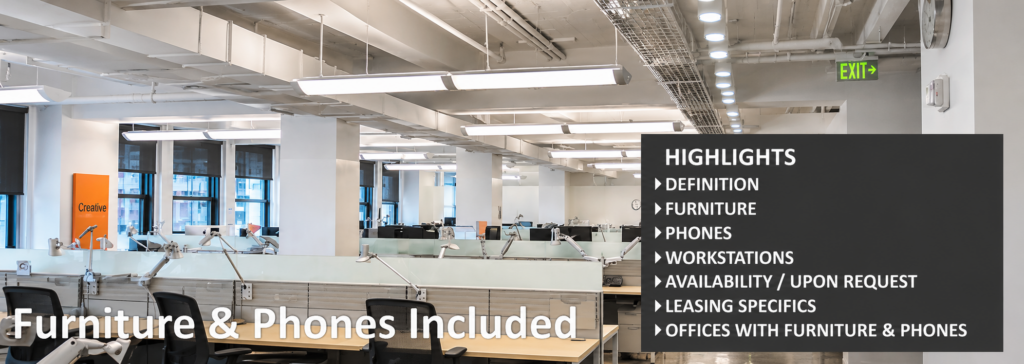
Some Popular Phones Used Today in Offices
- Cisco 7841: Best Overall Office Phone. …
- Polycom VVX 300: Best for Call Centers. …
- Cisco SPA514G: Best for Small Businesses. …
- Grandstream GXP 1630: Best Value. …
- Polycom IP 5000: Best for Conference Calls. …
- Samsung i3105: Best for Video Calls. …
- RCA Unison 6.0: Best for Call Quality. …
- Avaya 9641GS: Best for Cubicle Workers.
Office Construction in Manhattan
https://www.tobinparnes.com
https://www.fmsp.com
https://www.mgeutc.com